Humidity Automation for Wine Cellars Using Smart Hygrometers
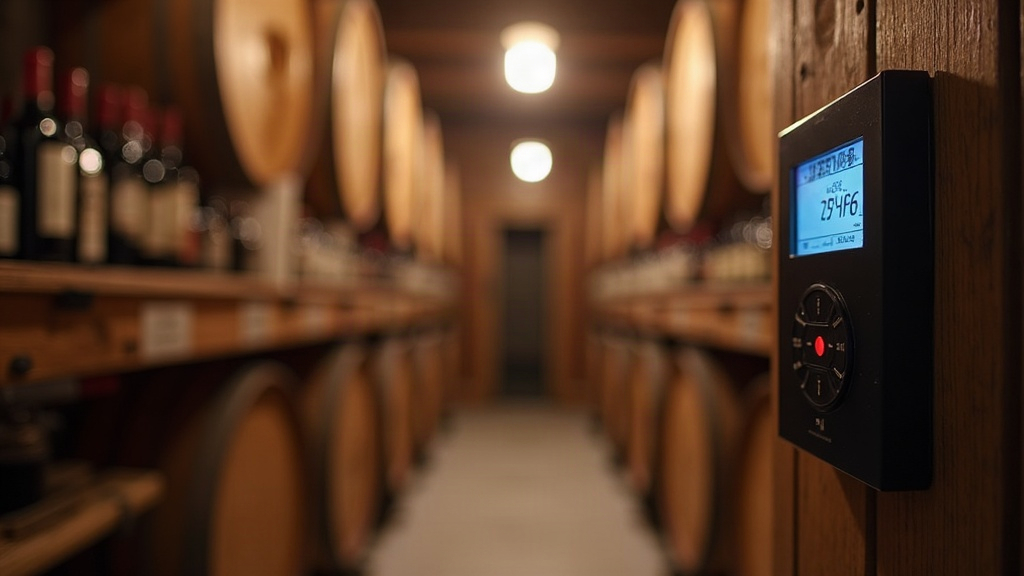
Humidity Automation for Your Wine Cellar: Smart Hygrometers Explained
Keeping a wine cellar at the right humidity isn’t just a nice-to-have. It’s the line between a collection that matures beautifully and one wrecked by dried-out corks or mold-streaked labels. Humidity automation with smart hygrometers takes the guesswork out of the equation: it tracks moisture levels around the clock and triggers humidifiers, dehumidifiers, or HVAC systems automatically to hold your cellar in that ideal 60-70% window.
Why Humidity Matters More Than People Think
Everyone obsesses over temperature. Humidity deserves just as much attention, maybe more, when you’re talking about long-term storage.
- Too dry (below 50%): Corks shrink and lose their seal. Oxygen sneaks in, and the wine starts oxidizing before its time.
- Too humid (above 75%): Labels peel off, mold creeps onto corks and racks, and metal capsules start to corrode.
- Sweet spot (60-70%): Corks stay pliable and airtight, and you’re not creating a mold incubator in the process.
Even a modest cellar with a dozen bottles can get knocked around by seasonal swings, an HVAC unit cycling on and off, or a door that doesn’t seal quite right. An analog hygrometer only tells you what’s happening at this exact moment. It won’t catch a 2 a.m. humidity dip, and it definitely won’t do anything about it while you’re on vacation.
How Smart Hygrometers Change the Game
A smart hygrometer is a Wi-Fi or Bluetooth sensor that logs humidity (and usually temperature) continuously and pushes alerts or data to your phone. Pair it with smart plugs or a dedicated cellar humidity controller, and suddenly you’ve got a system that thinks for itself.
Core Components of an Automated Setup
- Sensor placement. Humidity stratifies just like heat does, so put sensors at both the top and bottom of the space. A single sensor parked near the door will give you readings that don’t reflect reality.
- Smart hygrometer hub. Brands like Govee, SensorPush, or Ecowitt sync readings to the cloud or a local hub every few minutes, so you’re never working with stale data.
- Humidifier/dehumidifier control. Plug your humidification unit into a smart plug, or go with a hygrometer that has built-in relay control, so it can flip devices on and off without you touching anything.
- Automation rules. Set your thresholds (turn on the humidifier below 58%, kill it above 65%, say) through the app’s automation engine, or use something like Home Assistant if you want finer control.
Example Automation Logic
IF humidity < 58% for 15 minutes THEN turn ON humidifier IF humidity > 68% THEN turn OFF humidifier, turn ON dehumidifier/exhaust fan IF humidity > 75% for 1 hour THEN send push notification + email alert
Rules like this stop the system from overshooting, which happens more often than you’d think. A humidifier left running too long can spike humidity well past the safe zone and undo all the good it just did.
Choosing the Right Smart Hygrometer
Not every sensor on the market is built for a cellar. Here’s what actually matters:
- Accuracy within ±2-3% RH. The cheap ones drift badly after a year or two, and by then you might not even notice.
- Battery life or wired power. Cellars see little foot traffic, so a sensor that needs its batteries swapped every month turns into one more chore nobody wants.
- Local plus cloud logging. Local storage keeps your history intact if Wi-Fi drops out; cloud sync lets you peek at conditions from your phone while you’re at work or traveling.
- Integration support. Compatibility with Home Assistant, SmartThings, or IFTTT opens up far more flexible automation than whatever stock app the manufacturer ships with.
Among serious collectors, a few names come up again and again: SensorPush HTP.xw for its long-range Bluetooth and solid accuracy, Govee’s WiFi hygrometers for a budget-friendly option with decent app alerts, and Ecowitt systems if you want to run multiple sensors across a larger cellar.
Avoiding Common Automation Mistakes
- Over-tight thresholds. Set a 2% swing range and your relays will click on and off constantly, which wears out equipment fast. A 5-8% buffer is far more realistic and sane.
- Skipping calibration. Recalibrate your hygrometers every 6 to 12 months with a salt-test kit. Sensor drift is real, and it creeps in quietly.
- No backup alerting. If your Wi-Fi drops during a humidity crisis, you want a fallback plan. Some systems support SMS alerts or a local siren for exactly this scenario.
- Single-point sensing. Got a cellar bigger than 200 square feet? Two or three sensors will catch microclimates near doors or vents that a single unit would miss entirely.
Bringing It All Together
You don’t need a custom-built, five-figure climate system to automate your cellar’s humidity. A smart hygrometer, a connected humidifier or dehumidifier, and a handful of well-calibrated automation rules will keep your space sitting comfortably in that 60-70% range all year. That protects your corks, your labels, and ultimately the wine in the bottle. Start with sensors you trust, place them where they’ll actually catch problems, build in a reasonable buffer instead of chasing perfection, and don’t skip the calibration checks. Do that, and the cellar essentially runs itself, letting your collection age the way it was always meant to.