DIY Smart Mailbox Sensor That Alerts You When Post Arrives
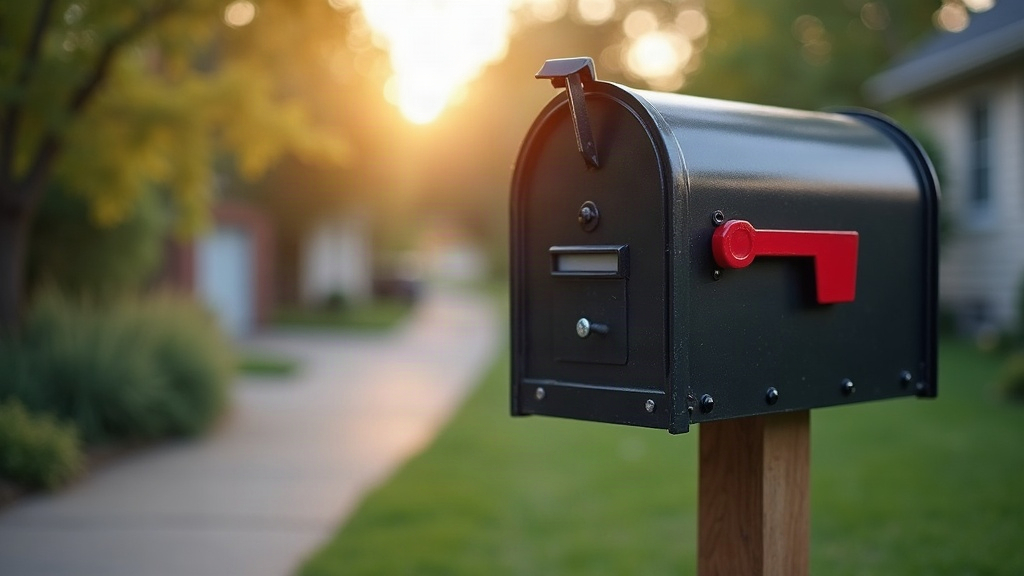
Waiting for the post to arrive no longer means peeking out the window every five minutes. In this guide you’ll build a DIY smart mailbox sensor using an ESP32 and a reed switch that fires off a notification straight to your phone the moment the letterbox lid swings open. The whole thing costs under £15 in parts, runs on batteries for months, and doesn’t need a cloud subscription of any kind.
How a Smart Mailbox Sensor Works
The circuit is almost embarrassingly simple. A reed switch is a small glass capsule with two magnetic contacts sealed inside. Bring a magnet close and the contacts close (or open, depending on the switch type), completing the circuit.
- Reed switch mounted on the mailbox frame, right next to the lid
- Magnet glued to the lid so it sits directly opposite the switch
- ESP32 sits in deep sleep, pulling just a few microamps
- Open the lid, the magnet pulls away, the switch flips state, and the ESP32 wakes up
- The board joins Wi-Fi, sends a notification, then goes straight back to sleep
That “wake on change, then sleep again” cycle is the whole trick. It’s why the battery lasts for months instead of days.
What You’ll Need
| Component | Approximate cost |
|---|---|
| ESP32 dev board (ideally one with low deep-sleep current, e.g. FireBeetle 2 or TTGO T7) | £6–10 |
| Reed switch (normally open) | £1 |
| Small neodymium magnet | £1 |
| 10kΩ resistor | pennies |
| Battery holder (2× AA or 3× AA) or 18650 + holder | £2–4 |
| Plastic project box or IP65 enclosure | £3 |
| Silicone sealant / hot glue | £1 |
One tip worth remembering: go for a plastic enclosure, never metal. A metal box turns into a Faraday cage and your Wi-Fi signal just dies inside it.
Wiring the Reed Switch to the ESP32
Five minutes, tops. Wire it up like this:
- One leg of the reed switch → GPIO4
- Other leg of the reed switch → GND
- 10kΩ pull-up resistor between GPIO4 and 3.3V
Lid closed, magnet holds the reed contacts together, GPIO4 reads LOW. Open the lid, the contacts spring apart, and the pull-up resistor yanks GPIO4 HIGH. That rising edge is your trigger, plain and simple.
Stick to an RTC-capable GPIO (GPIO4, GPIO32, GPIO33 all work fine) so the ESP32 can actually wake up from it while in deep sleep.
Powering the Sensor
This is where most builds quietly fail, so it deserves real attention. A stock ESP32 dev board in “deep sleep” can still pull 5–10 mA thanks to its onboard voltage regulator and power LED. That’s enough to drain two AAs in under a week, which defeats the whole point.
For long battery life:
- Pick a board with a low quiescent-current regulator (the FireBeetle 2 ESP32-E sits around 10 µA in deep sleep)
- Remove or disable any onboard power LED, it’s a silent battery killer
- If you’re using a bare module, run it straight from batteries through a low-dropout (LDO) regulator
- Get the board right and two AA batteries will last 6-12 months in a typical household mailbox
Firmware That Sends the Alert
Below is a complete Arduino sketch built around ntfy.sh, a free push-notification service that needs no account whatsoever. Install the ntfy app, subscribe to a topic like your-mailbox, and anything published to that topic lands straight on your phone.
#include <WiFi.h> #include <HTTPClient.h>
const char* WIFI_SSID = “YOUR_WIFI”; const char* WIFI_PASS = “YOUR_PASSWORD”; const char* NTFY_URL = “http://ntfy.sh/your-mailbox-topic”;
#define REED_PIN 4
void setup() { Serial.begin(115200);
// Wake next time the lid opens (GPIO4 goes HIGH) esp_sleep_enable_ext0_wakeup(GPIO_NUM_4, HIGH);
// Connect to Wi-Fi (give up after 15s to save battery) WiFi.begin(WIFI_SSID, WIFI_PASS); unsigned long start = millis(); while (WiFi.status() != WL_CONNECTED && millis() - start < 15000) { delay(100); }
if (WiFi.status() == WL_CONNECTED) { HTTPClient http; http.begin(NTFY_URL); http.addHeader(“Content-Type”, “text/plain”); http.POST(“The post has arrived! Mailbox opened.”); http.end(); }
esp_deep_sleep_start(); // back to sleep until the next opening }
void loop() { // Never runs, deep sleep handles everything. }
Notification alternatives
Not a fan of ntfy? Same core logic, different messenger:
- Telegram bot, call the Bot API
sendMessageendpoint - Pushover, a single HTTP POST with your app and user tokens
- Home Assistant, publish to MQTT or hit a webhook and build automations from there
- Email, via SMTP, though this one shows up noticeably slower
A Honest Limitation, and How to Fix It
A door-mounted reed switch fires every single time the lid opens, including the times you check an empty box out of habit. Most people just live with that, but if you actually want confirmation that mail arrived, bolt on a second sensor:
- A second reed switch on the incoming mail flap (only trips when something’s actually pushed through)
- An LDR light sensor tucked inside the box that notices a letter blocking the light
- A small VL53L0X distance sensor aimed down at the floor of the box
Whichever route you take, the ESP32 just checks both inputs on wake and only sends a notification when the mail-confirming sensor agrees something’s in there.
Weatherproofing Tips
Your mailbox lives outdoors year-round, so seal it up properly:
- Drill a hole for the wire and fill the gap with silicone sealant
- Epoxy the reed switch in place, rain and vibration will shift it otherwise
- Toss a small silica gel sachet inside the enclosure to keep condensation away
- Check Wi-Fi signal strength before you seal everything shut, street-level reception is often noticeably weaker than what you get indoors
Troubleshooting Common Problems
- Battery dies in days → you’ve picked a high-quiescent-current board; swap it for a low-power one
- No notification → your mailbox is sitting outside Wi-Fi range; reposition the router, add a repeater, or switch to ESP-NOW with an indoor relay
- Multiple alerts from one single opening → that’s switch bounce; drop in a short debounce delay before publishing
- Alerts every single time you open it → normal behavior for a door sensor; add the confirmation sensor covered above
Conclusion
A DIY smart mailbox sensor built around an ESP32 and reed switch is genuinely one of the more satisfying starter IoT projects out there: cheap parts, a tiny circuit, a result you’ll actually use every day. Start with the basic door-open alert, then level up with a confirmation sensor and Home Assistant integration once you’re comfortable. Once you feel your phone buzz the second the post drops through the slot, going back to checking the box by hand just feels absurd.