Troubleshooting Smart Garage Door Openers That Report Open When Closed
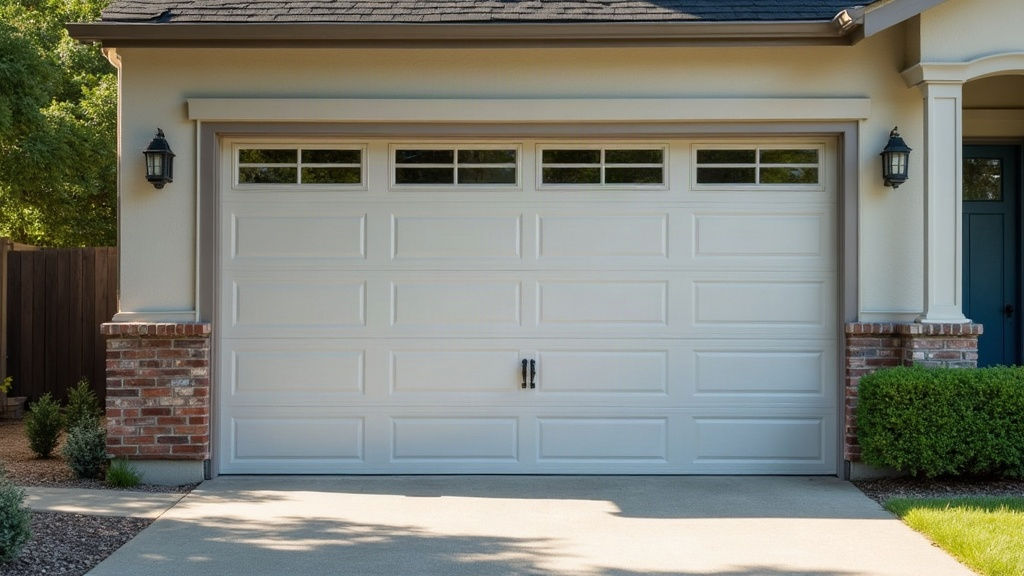
Why Your Smart Garage Door Says “Open” When It’s Clearly Closed
If your app keeps telling you the door is open while you’re standing in the driveway staring at a closed one, don’t panic and don’t call a technician yet. In almost every case, it boils down to one of four culprits: a tilt sensor that’s slipped out of alignment, a Wi-Fi or Bluetooth sync lag, firmware that’s fallen behind, or a sensor battery on its last legs. Fix any of these and you’re usually back to normal in under half an hour.
Why This Happens: How Smart Openers Actually Track the Door
Here’s the thing most people don’t realize: your opener can’t actually “see” the door. It’s guessing, based on one of two methods.
- Tilt sensors mounted on the top panel, which measure the angle of the door as it swings
- Travel/rotation sensors built into the motor, which count rotations to estimate how far the door has moved
Both are rough estimates, and both drift over time. A tilt sensor can nudge out of place after enough vibration from months of regular use. A rotation sensor can lose its reference point entirely after a power blip, a manual override, or even a routine firmware push. When the sensor’s internal number stops matching reality, the app just keeps showing whatever it was last told, closed in front of you, “Open” on the screen.
Step 1: Rule Out a Basic App Sync Delay
Before you touch a single screw, try this first:
- Fully close the app (swipe it away, don’t just minimize it).
- Reopen it and pull down to force-refresh the dashboard.
- Look at the connectivity icon. If it says “offline” or “last seen 2 hours ago,” you’re looking at a stale status, not a live one.
- Toggle your phone’s Wi-Fi off and back on to rule out a local network hiccup.
If the status corrects itself after this, that’s it, you’re done. This is just lag, and it’s especially common on mesh Wi-Fi setups where the garage sits at the edge of the signal.
Step 2: Check the Tilt Sensor Alignment
This is, hands down, the most frequent cause.
- Find the small sensor box mounted on the top panel of the door (not the photo-eye sensors down near the floor, those are a different system).
- With the door fully closed, the sensor’s LED should be glowing steady, not blinking.
- A blink or flicker usually means the sensor has shifted just enough that it’s no longer reading a true “closed” angle, even a few millimeters matters here.
- Loosen the mounting screw gently, push the sensor flush against the panel, and retighten.
- Run a full test cycle through the app (open, then close) and check whether the status finally lines up.
Step 3: Re-Calibrate the Opener
Almost every major brand buries a recalibration option somewhere in the app, usually labeled “Recalibrate Sensor,” “Reset Door Position,” or “Set Travel Limits.” Run it after any of these:
- A power outage
- Manually moving the door while the opener was unplugged
- A logic board or sensor swap
- A firmware update that just landed
The process is simple: the app records a full open-close cycle and uses that timing to reset its internal map of the door’s travel.
Step 4: Replace the Sensor Battery
A lot of tilt sensors run off a tiny coin-cell battery (CR2032, usually) that’s completely separate from the opener’s main power supply. When it starts dying, you don’t get a clean failure, you get intermittent, delayed, or just plain wrong readings. The sensor still “works,” technically, just not reliably. If yours is pushing 12 to 18 months old, swap the battery even if the app hasn’t flagged a low-battery warning. Plenty of models don’t warn you until the signal’s already gone bad.
Step 5: Update Firmware and Check for Known Bugs
Pull up your exact model number and search the manufacturer’s support page or a user forum, pairing it with “false status” or “stuck open.” You’d be surprised how often this turns up a known issue. Several major brands have pushed firmware fixes specifically for this after mesh network overhauls or app redesigns broke something on the backend. Updating through the app’s settings menu has permanently resolved this for a lot of users, according to the support threads.
When to Replace the Sensor Entirely
Recalibrated, replaced the battery, updated the firmware, and still getting false readings? At that point the sensor’s accelerometer itself is probably failing. The fix isn’t expensive: replacement sensors typically run $15 to $30, and swapping one out is a lot cheaper (and easier) than replacing the whole opener unit.
Conclusion
Nine times out of ten, a garage door opener reporting the wrong status isn’t broken, it’s just confused. Start simple: refresh the app, check the tilt sensor alignment, run a recalibration. Only look at hardware replacement once you’ve worked through every software step and nothing’s stuck. Most people fix this for good in a single sitting, no technician required.